Google Business Profile Confirm Button Not Working? Here's What You Need to Know
If you've recently tried updating your Google Business Profile and noticed that the "Confirm" button is not working, you're not alone. Many business owners and marketers have reported experiencing this issue while attempting to make changes to their Google Business Profile (GBP). The good news is that this appears to be a known issue affecting some users, and Google is aware of the problem. While Google works on a permanent fix, there are several alternative methods you can use to successfully update your business information. In this guide, we'll explain why the issue occurs, what you can do to work around it, and how to contact Google Business Profile Support if you need additional help.
Vinay Jain
6/8/20262 min read
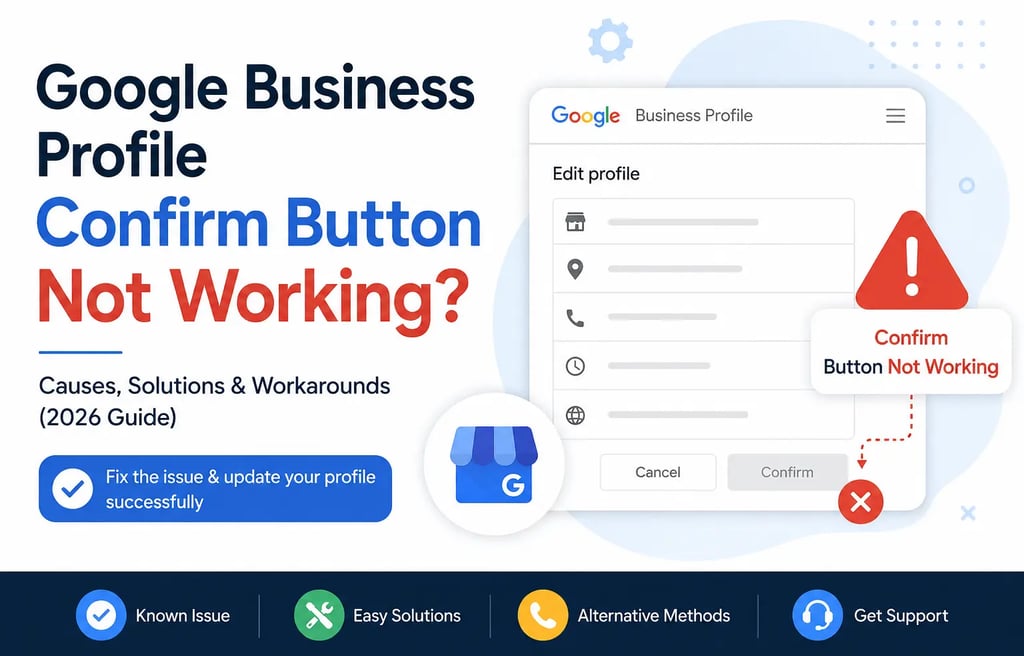
Why Is the Google Business Profile Confirm Button Not Working?
The exact cause may vary, but common reasons include:
Temporary Google Business Profile system bugs
Browser-related issues
Cache and cookie conflicts
Google account synchronization problems
Recent updates to Google's Business Profile management platform
Temporary server-side issues affecting profile edits
In many cases, the issue is not related to your business profile itself. Instead, it is a technical problem on Google's end that affects the confirmation process.
Solution 1: Save Your Changes Without Clicking "Confirm"
One of the most effective workarounds is surprisingly simple.
Instead of clicking the "Confirm" button:
Make your desired changes to the profile.
Click "Save" if the option is available.
Exit the editing screen.
Check your live profile after a few minutes.
Many users have reported that their edits were successfully published even though they never completed the confirmation step.
Google's systems may process the update in the background despite the confirmation button issue.
Solution 2: Use the Google Maps App Instead
If you're experiencing problems through a web browser, try updating your profile through the Google Maps mobile application.
Steps:
Open the Google Maps app.
Sign in using the Google account that manages the Business Profile.
Tap your business profile.
Select Edit Profile.
Make the required changes.
Save the updates.
Many users find that edits made through the mobile app process successfully even when the desktop version encounters issues.
How to Contact Google Business Profile Support
If none of the above solutions work, you should contact Google Business Profile Support directly.
Official Google Business Profile Support: https://support.google.com/business/gethelp
Google Business Profile Help Center: https://support.google.com/business
When contacting support, be prepared to provide:
Your Business Profile name
Business address
Profile URL
Screenshots of the error
Description of the issue
Date and time when the problem occurred
Providing detailed information can help Google's support team investigate the issue more efficiently.
Additional Tips for Managing Your Google Business Profile
While waiting for the issue to be resolved, make sure to:
Keep Your Business Information Accurate
Maintain accurate:
Business name
Address
Phone number
Website URL
Business hours
Monitor Pending Updates
Google sometimes places edits into a review queue before publishing them.
Check your profile regularly to see whether updates are marked as:
Pending
Under Review
Approved
Follow Google's Guidelines
Always ensure your profile follows Google's Business Profile Guidelines to reduce the risk of edits being rejected.
If you're experiencing issues with your Google Business Profile or need assistance with Local SEO, Skyline Digital Lab is here to help. Our team specializes in Google Business Profile management, Google Maps optimization, and local search marketing. Visit http://skylinedigitallab.com/ to learn more about our services, or contact us at http://skylinedigitallab.com/contact-us/ to discuss your requirements.
Skyline Digital Lab
Empowering businesses with impactful digital solutions.
White Label Services
+91-8871333442
© 2026 All rights reserved.
PPC
Social Media Marketing
Web Design & Development
Address
Jabalpur, M.P. India.
Follow us